




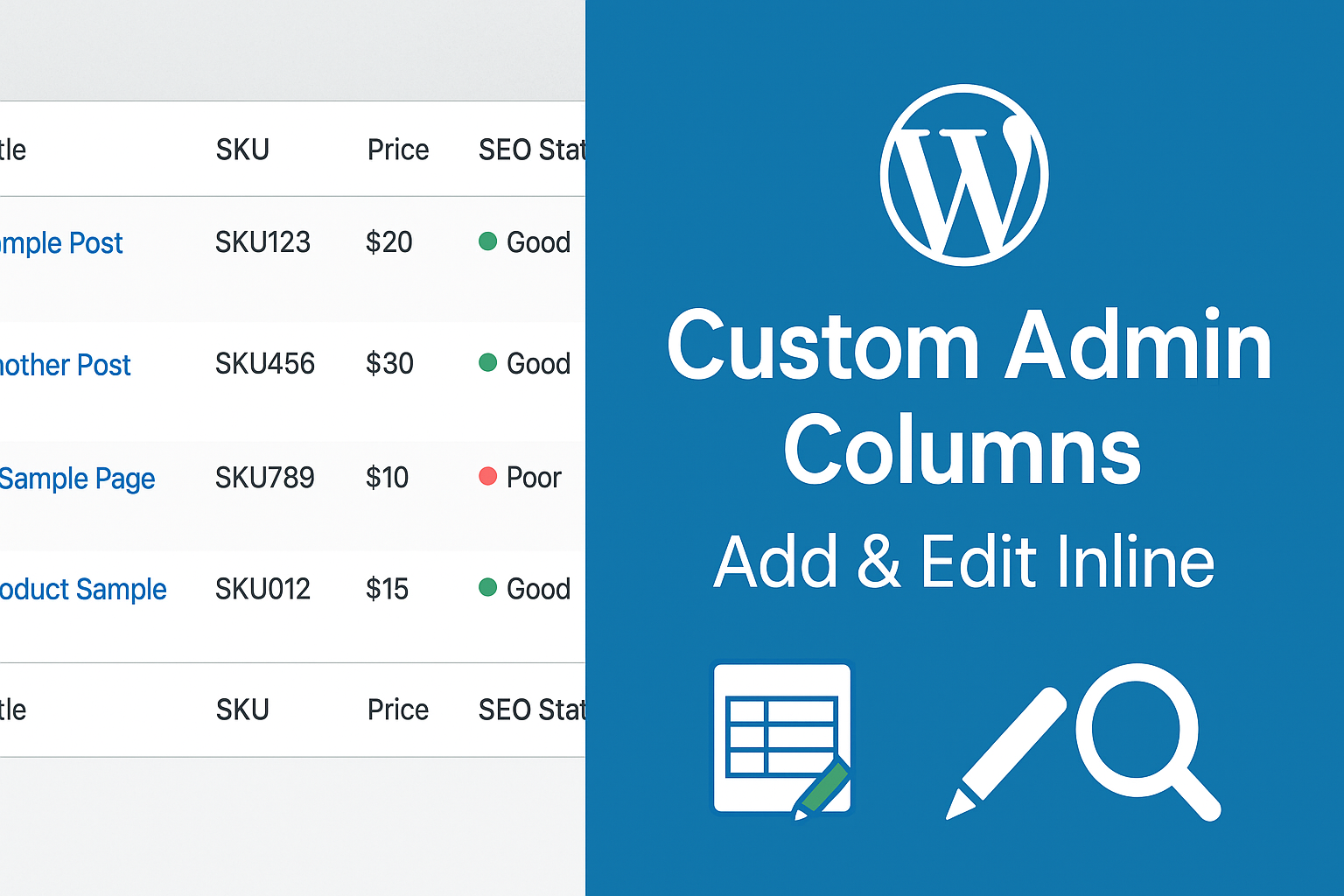
When managing a WordPress website, you often need to open each post individually to edit specific information such as SEO title, product code, price, or assigned author. This process is time-consuming and inefficient.
The Custom Admin Columns plugin allows you to easily add, display, and edit custom field values directly (inline edit) from the post list screen or any post type—simple, fast, and intuitive.

✅ Easy Custom Column Creation
Define new columns using meta keys or custom fields, with support for dynamic data display.
✅ Inline Editing
Click directly on a data cell to edit values instantly—no need to open the post detail page.
✅ Supports All Post Types
Works with Posts, Pages, WooCommerce Products, and Custom Post Types.
✅ Drag & Drop Column Ordering
Easily rearrange column positions in the admin table using drag-and-drop.
✅ Smart Display Conditions
Limit column visibility by user role, language (Polylang/WPML), or specific taxonomies.
✅ High Performance & SEO Plugin Compatibility
Fully compatible with RankMath, Yoast SEO, ACF, and WooCommerce.
Install and activate the plugin.
Go to Settings → Custom Admin Columns.
Select the Post Type where you want to add columns.
Define the meta key or custom field to display.
Enable Inline Edit to edit values directly from the list view.
Speeds up bulk data editing significantly.
Reduces the need to open individual posts.
Helps administrators manage content more accurately and efficiently.
Easily extendable for developers via hooks & filters.
The Custom Admin Columns plugin is an essential tool for professional WordPress administrators.
It enables you to display critical data directly in the admin list table and edit it instantly without accessing each post individually—optimizing content management workflows and saving hours of work every week.