


Super Convenient JavaScript Optional Chaining (?.): Say Goodbye to “Cannot Read Property” Errors
- Home
- Super Convenient JavaScript Optional Chaining (?.): Say Goodbye to “Cannot Read Property” Errors




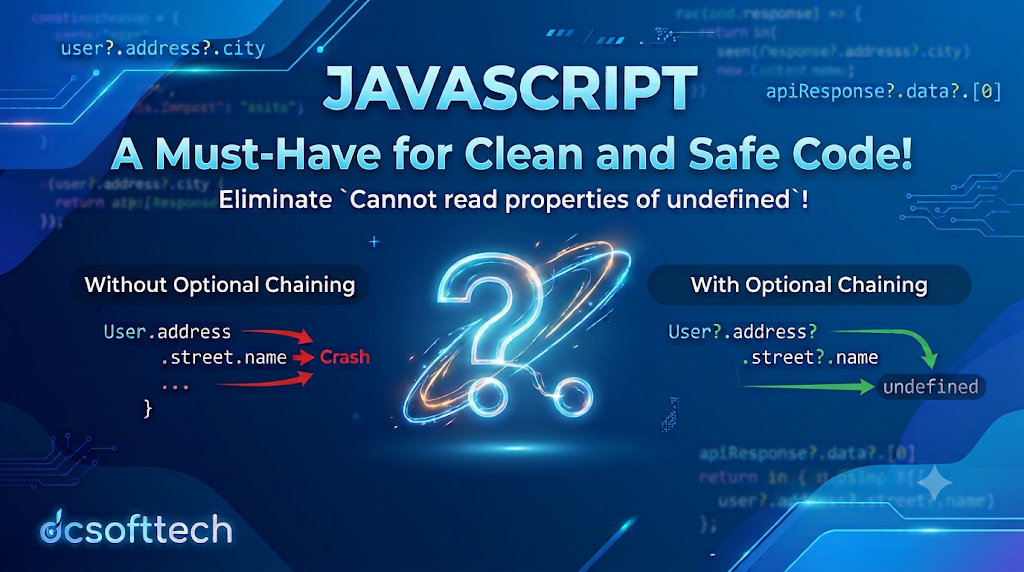
?.) – The Ultimate Weapon to Eliminate “Cannot Read Property” ErrorsHello DCSoftTech developers! Every JavaScript engineer has likely faced the classic runtime headache at least a few times:
TypeError: Cannot read properties of undefined (reading '...')
This error happens when you try to access a deeply nested property inside an object whose parent level turns out to be undefined or null. In the past, preventing your app from crashing meant writing verbose, repetitive conditional checks.
Introduced in ES2020, Optional Chaining (?.) is a small syntax addition with massive impact—making your code cleaner, safer, and far easier to maintain. Let’s break down how it works and how to get the most out of it.
Suppose you have a user object containing profile and address details:
const user = {
  name: "DCSoftTech",
  address: {
    city: "Da Nang"
  }
};
Now, imagine you want to retrieve the street name (street.name), which does not exist in this object. Accessing it directly throws an immediate error:
console.log(user.address.street.name); // 💥 TypeError: Cannot read properties of undefined
To avoid crashing the application, developers traditionally relied on chaining logical && operators:
const streetName = user && user.address && user.address.street && user.address.street.name;
console.log(streetName); // undefined (safe, no crash)
While functional, this pattern quickly becomes bloated and hard to read as nesting gets deeper.
?.)Optional Chaining (?.) simplifies null-checking dramatically. The operator evaluates the expression on its left:
If the value is null or undefined, execution short-circuits immediately and returns undefined instead of throwing an error.
Otherwise, it continues evaluating the next property in the chain.
Rewriting the previous example with ?. gives you:
const streetName = user?.address?.street?.name;
console.log(streetName); // undefined (clean, readable, and crash-free)
?. in Real ProjectsOptional Chaining isn’t limited to standard object properties—it handles dynamic lookups, function calls, and arrays just as smoothly.
When working with unpredictable JSON payloads from external APIs, you can safely traverse multiple levels without worrying about missing sub-objects:
const zipCode = user?.address?.location?.zipCode;
If you receive an optional callback via props or a configuration object, calling it directly when undefined will crash your code. With ?.(), the function only executes if it actually exists:
const userSettings = {
  onSave: () => console.log("Saved successfully!")
};

userSettings.onSave?.(); // Logs: "Saved successfully!"

const guestSettings = {};
guestSettings.onSave?.(); // Does nothing, throws no error
You can safely access array elements even when you aren’t sure whether the array exists or contains enough items:
const users = [
  { name: "An" },
  { name: "Binh" }
];

console.log(users?.[0]?.name); // "An"
console.log(users?.[5]?.name); // undefined (no runtime error)
??)Optional Chaining pairs naturally with the Nullish Coalescing operator (??) to provide a clean fallback value whenever the expression resolves to null or undefined:
const user = { name: "DCSoftTech" };

// Fallback to "Not provided" if city is missing
const city = user?.address?.city ?? "Not provided";

console.log(city); // "Not provided"
While ?. is remarkably convenient, keep two things in mind:
Don’t hide real bugs: Avoid slapping ?. onto properties that must exist for your business logic to work (such as required authentication tokens). Masking missing required data can make debugging much harder later on.
Browser & Runtime Support: Optional Chaining is natively supported across all modern browsers (Chrome 80+, Firefox 74+, Safari 13.1+) and Node.js 14+. For legacy environments, Babel and TypeScript compile it seamlessly.
Optional Chaining (?.) is an essential tool in modern JavaScript that keeps your codebase concise, expressive, and resilient against unpredictable null or undefined values. Start incorporating it into your daily workflow at DCSoftTech to write cleaner, safer code!