


Laravel Flash Messages Explained: Clean Alerts After Form Redirects
- Home
- Laravel Flash Messages Explained: Clean Alerts After Form Redirects




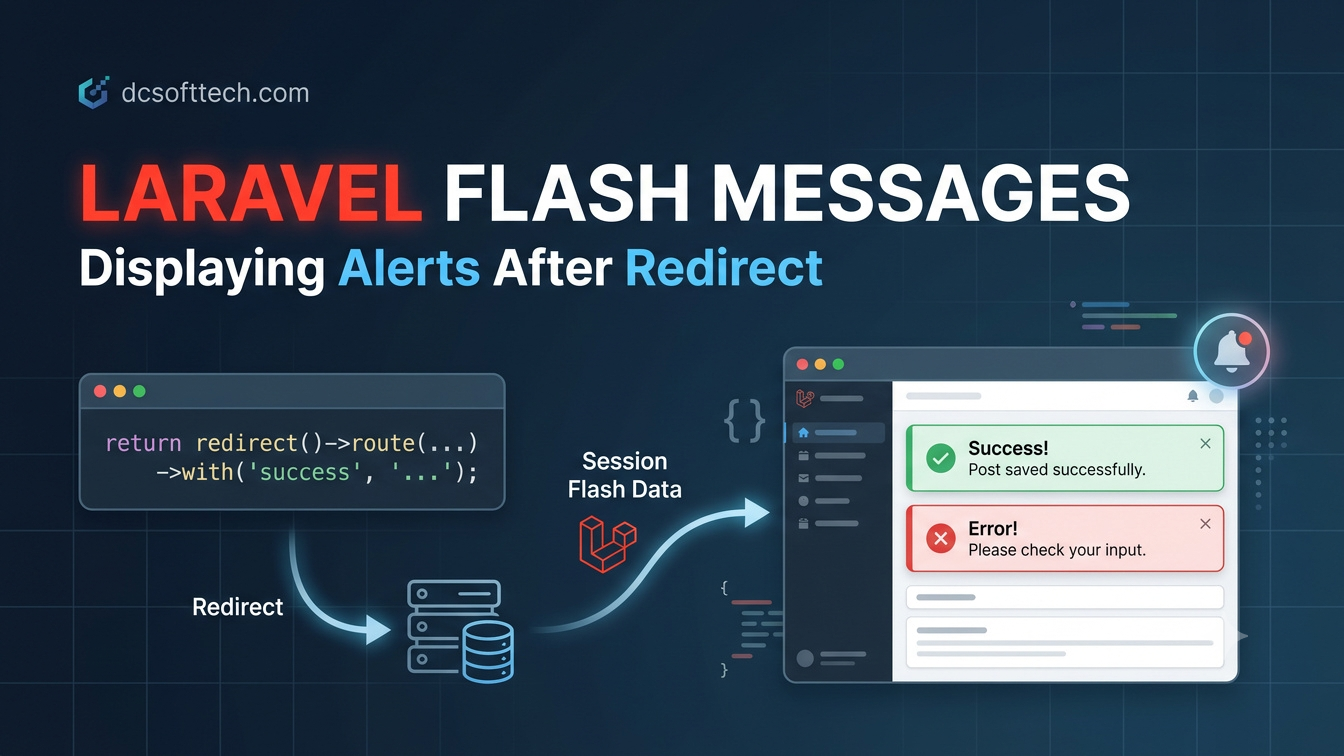
In modern web applications, redirecting users after processing a form submission (such as creating, updating, deleting a record, or logging in) is a standard pattern to prevent duplicate submissions on page refresh. However, during a redirect, you still need a reliable way to notify the user whether the action succeeded or failed.
Laravel solves this cleanly with session flash data. A flash message stores temporary data in the session that persists only for the subsequent HTTP request, after which it is automatically deleted. This keeps user feedback clear while preventing stale data from cluttering the session.
with() on a Redirect ResponseThe most concise approach in a Controller is chaining with() directly onto the redirect() helper:
<?php

namespace App\Http\Controllers;

use Illuminate\Http\Request;

class PostController extends Controller
{
    public function store(Request $request)
    {
        $validated = $request->validate([
            'title' => 'required|string|max:255',
            'content' => 'required|string',
        ]);

        // Save the post to the database...

        return redirect()
            ->route('posts.index')
            ->with('success', 'Post created successfully!');
    }
}
You can also pass multiple flash keys at once by chaining with() multiple times:
return redirect()
    ->route('posts.index')
    ->with('success', 'Post updated successfully.')
    ->with('warning', 'Some optional fields were left empty.');
session()->flash()If you need to set a flash message outside a single return redirect() statement, use the session() helper or the Session facade:
session()->flash('error', 'The requested record could not be found.');

return back();
If you ever need to preserve flash data for one additional request, call session()->reflash() to keep all flash keys, or session()->keep(['success']) to preserve specific keys only.
Create a dedicated partial view (for example, resources/views/partials/flash-messages.blade.php) so you can reuse the alert markup across your entire application:
@if (session('success'))
    <div class="alert alert-success" role="alert">
        {{ session('success') }}
    </div>
@endif

@if (session('error'))
    <div class="alert alert-danger" role="alert">
        {{ session('error') }}
    </div>
@endif

@if (session('warning'))
    <div class="alert alert-warning" role="alert">
        {{ session('warning') }}
    </div>
@endif

@if (session('info'))
    <div class="alert alert-info" role="alert">
        {{ session('info') }}
    </div>
@endif
Next, include this partial inside your main layout file (such as resources/views/layouts/app.blade.php) right above the main content yield:
<main class="container py-4">
    @include('partials.flash-messages')

    @yield('content')
</main>
When redirecting back with redirect()->back()->withInput(), Laravel automatically flashes the previous input (_old_input) and validation error messages (errors) into the session. You can render validation errors alongside your custom flash alerts:
@if ($errors->any())
    <div class="alert alert-danger" role="alert">
        <ul class="mb-0">
            @foreach ($errors->all() as $error)
                <li>{{ $error }}</li>
            @endforeach
        </ul>
    </div>
@endif
Verify Your Session Driver: Flash messages rely on Laravel’s session layer. Make sure SESSION_DRIVER in .env (database, redis, or file) is properly configured and that session cookies work reliably behind HTTPS or reverse proxies.
Standardize Alert Keys: Establish a consistent naming convention across your team (success, error, warning, info) so every controller and UI component stays aligned.
Auto-Dismiss Carefully: Short success banners can fade out automatically after a few seconds with lightweight JavaScript, while critical error messages should remain visible until the user dismisses them.