


Mastering JavaScript Template Literals: Say Goodbye to Messy String Concatenation
- Home
- Mastering JavaScript Template Literals: Say Goodbye to Messy String Concatenation




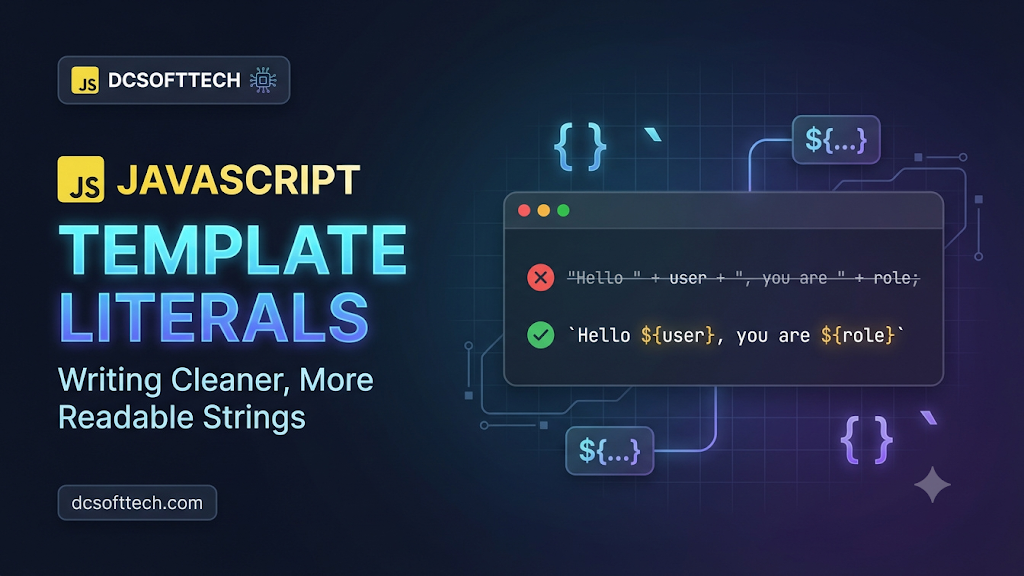
String concatenation with the + operator and multiline text built using \n escape characters quickly turn JavaScript code into hard-to-read clutter. Template literals (also called template strings), introduced in ES6 (ES2015), solve this cleanly by wrapping strings in backticks (`) instead of single quotes (') or double quotes (").
Instead of piecing variables together with +, you can embed variables and expressions directly inside a string using ${...} placeholders.
const user = "Alex";
const role = "Backend Developer";
const experience = 3;

// Old approach: error-prone spacing and quote management
const oldIntro = "Hello " + user + ", you are a " + role + " with " + experience + " years of experience.";

// Modern approach with Template Literals: clear and intuitive
const newIntro = `Hello ${user}, you are a ${role} with ${experience} years of experience.`;

console.log(newIntro);
// Hello Alex, you are a Backend Developer with 3 years of experience.
Any valid JavaScript expression works inside ${...}—not just variable names:
const price = 49.99;
const quantity = 2;
const isMember = true;

const summary = `Total: $${(price * quantity).toFixed(2)} (${isMember ? "10% member discount applied" : "Standard rate"})`;
console.log(summary);
// Total: $99.98 (10% member discount applied)
Traditional strings require explicit \n characters or line-by-line concatenation, obscuring the visual layout of your output. Template literals preserve line breaks and whitespace exactly as written.
const endpoint = "/api/v1/users";

const sqlQuery = `
  SELECT id, name, email
  FROM users
  WHERE active = true
  ORDER BY created_at DESC;
`;

const htmlCard = `
  <div class="card">
    <h3>Endpoint: ${endpoint}</h3>
    <p>Status: Operational</p>
  </div>
`;
Note: Leading indentation inside backticks is also preserved. When generating formatted logs, templates, or strict text payloads, watch your indentation to avoid unintended whitespace.
Tagged templates allow you to parse template literals with a custom function. By placing a function name directly before the opening backtick, JavaScript passes the static string segments and interpolated values separately to that function before returning the final output.
function highlight(strings, ...values) {
  return strings.reduce((result, str, index) => {
    const val = values[index] !== undefined ? `<mark>${values[index]}</mark>` : "";
    return `${result}${str}${val}`;
  }, "");
}

const topic = "Template Literals";
const benefit = "expression interpolation";

const output = highlight`Mastering ${topic} simplifies ${benefit} in JavaScript.`;
console.log(output);
// Mastering <mark>Template Literals</mark> simplifies <mark>expression interpolation</mark> in JavaScript.
In production codebases, tagged templates are widely used for:
Security: Sanitizing dynamic inputs to prevent XSS or SQL injection when constructing queries and HTML fragments.
Localization (i18n): Formatting dates, currencies, and pluralized strings based on locale rules.
Embedded DSLs: Powering syntax like css (styled-components) and gql (GraphQL) directly inside JavaScript files.
Skip unnecessary quote escaping: Inside `...`, you can freely include both ' and " without backslashes. Only backticks themselves require escaping (\`).
Keep embedded expressions simple: Arithmetic or short ternary checks read well inside ${...}. If an expression spans multiple conditions or nested calls, extract it into a descriptive helper variable first.
Stay consistent across the codebase: Use standard quotes for plain static strings and switch to template literals whenever interpolation or multiline formatting is needed.
Adopting template literals eliminates tedious string concatenation, reduces syntax mistakes, and keeps dynamic text structures visually aligned with their final output. Whether you are formatting API endpoints, SQL queries, logs, or UI snippets, backticks make your JavaScript cleaner and easier to maintain.