


Mastering Laravel’s old() Helper: Keep Form Data Intact After Validation Errors
- Home
- Mastering Laravel’s old() Helper: Keep Form Data Intact After Validation Errors




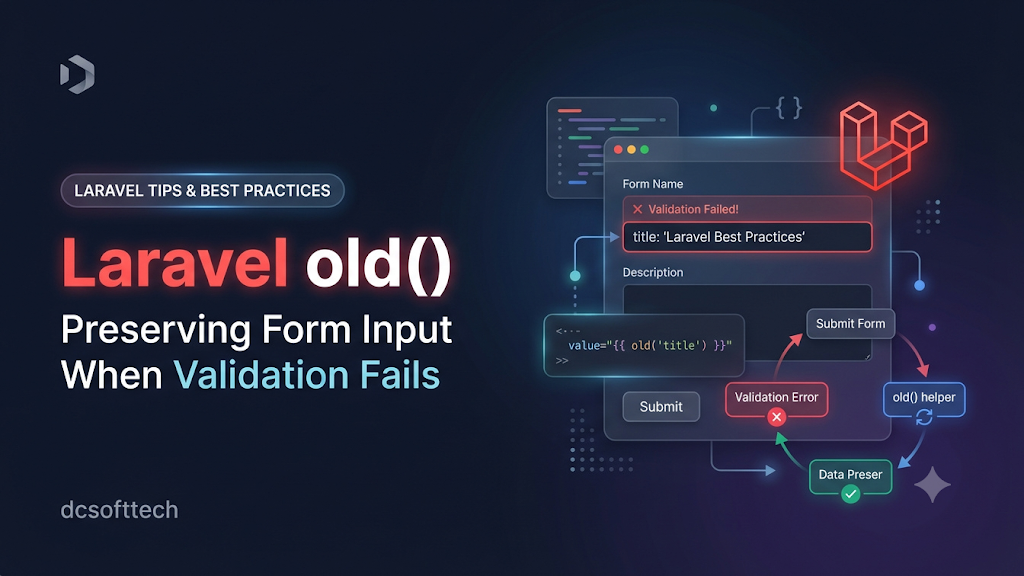
old() – Preserving Form Input When Validation FailsIn web application development, few things frustrate users more than filling out a lengthy form, hitting Submit, encountering a validation error, and watching all of their entered data vanish. Laravel solves this cleanly through automatic flash session storage paired with the old() helper in Blade.
Written for the DCSoftTech engineering team and community, this guide covers how old() works under the hood, how to apply it across different HTML form controls, and how to avoid common edge cases in production.
old() Works in LaravelWhen a form submission fails validation (via $request->validate([...]) or a FormRequest), Laravel automatically:
Flashes the current request input into the session (persisting for only the very next HTTP request).
Redirects the user back (redirect()->back()) along with the $errors bag.
On the rendered view, calling old('field_name', $default) retrieves the flashed value from the session. If no flashed input exists (such as on initial page load), it falls back to $default (which defaults to null).
Security & File Note: Laravel automatically strips sensitive fields like
passwordandpassword_confirmationbefore flashing input to the session. Similarly,<input type="file">values cannot be persisted across redirects for browser security reasons—users must re-select uploaded files if validation fails.
old() Across Form Field TypesFor standard input fields, pass old('field_name') into the value attribute (or place it inside <textarea> tags):
<form action="{{ route('posts.store') }}" method="POST">
    @csrf

    <div class="mb-3">
        <label for="title">Title</label>
        <input
            type="text"
            id="title"
            name="title"
            value="{{ old('title') }}"
            class="form-control @error('title') is-invalid @enderror"
        >
        @error('title')
            <div class="invalid-feedback">{{ $message }}</div>
        @enderror
    </div>

    <div class="mb-3">
        <label for="summary">Summary</label>
        <textarea id="summary" name="summary" rows="4">{{ old('summary') }}</textarea>
        @error('summary')
            <small class="text-danger">{{ $message }}</small>
        @enderror
    </div>

    <button type="submit">Save Post</button>
</form>
For <select> elements, compare old('category_id') against each <option> value to conditionally apply selected:
<select name="category_id" id="category_id">
    <option value="">-- Select a category --</option>
    @foreach ($categories as $category)
        <option
            value="{{ $category->id }}"
            {{ old('category_id') == $category->id ? 'selected' : '' }}
        >
            {{ $category->name }}
        </option>
    @endforeach
</select>
Radio inputs share the same name attribute with distinct value attributes. Compare old() against each option’s value (and optionally pass a default for initial load):
<label>
    <input type="radio" name="status" value="draft" {{ old('status', 'draft') === 'draft' ? 'checked' : '' }}>
    Draft
</label>
<label>
    <input type="radio" name="status" value="published" {{ old('status') === 'published' ? 'checked' : '' }}>
    Published
</label>
Single checkbox: Check old('is_featured'). When checked, browsers submit the checkbox’s value (e.g., 1 or on); when unchecked, nothing is submitted and old() evaluates to null.
Multi-select checkboxes (name="tags[]"): old('tags', []) returns an array of previously selected values. Use in_array() to restore the checked state:
@foreach ($tags as $tag)
    <label>
        <input
            type="checkbox"
            name="tags[]"
            value="{{ $tag->id }}"
            {{ in_array($tag->id, old('tags', [])) ? 'checked' : '' }}
        >
        {{ $tag->name }}
    </label>
@endforeach
old() in Edit FormsWhen updating an existing Eloquent model (e.g., $post), you want to prioritize flashed user input (old()) if a validation error just occurred, and otherwise fall back to the database record ($post->...). The second parameter of old() handles this cleanly:
<form action="{{ route('posts.update', $post) }}" method="POST">
    @csrf
    @method('PUT')

    {{-- Standard input: prioritizes old('title'), falls back to $post->title --}}
    <input type="text" name="title" value="{{ old('title', $post->title) }}">

    {{-- Select dropdown: prioritizes old('category_id'), falls back to $post->category_id --}}
    <select name="category_id">
        @foreach ($categories as $category)
            <option
                value="{{ $category->id }}"
                {{ (string) old('category_id', $post->category_id) === (string) $category->id ? 'selected' : '' }}
            >
                {{ $category->name }}
            </option>
        @endforeach
    </select>

    {{-- Multi-select checkboxes on an Edit form --}}
    @php
        $selectedTags = old('tags', $post->tags->pluck('id')->toArray());
    @endphp
    @foreach ($tags as $tag)
        <label>
            <input
                type="checkbox"
                name="tags[]"
                value="{{ $tag->id }}"
                {{ in_array($tag->id, $selectedTags) ? 'checked' : '' }}
            >
            {{ $tag->name }}
        </label>
    @endforeach

    <button type="submit">Update Post</button>
</form>
AJAX / SPA JSON requests do not flash session input: old() relies on standard HTTP form submissions and redirect responses. When submitting via Fetch or Axios with Accept: application/json, Laravel returns a 422 Unprocessable Entity JSON payload instead of flashing input to the session.
The unchecked checkbox trap on Edit forms: Suppose a record has is_active = 1. On the Edit form, the user unchecks the box, triggers a validation error on another field, and gets redirected back. Because browsers omit unchecked checkboxes from the payload, old('is_active') is null—which causes old('is_active', $post->is_active) to fall back to 1, re-checking the box against the user’s intent. To avoid this, normalize boolean fields inside prepareForValidation() in your FormRequest (e.g., $this->merge(['is_active' => $this->boolean('is_active')])) or include a hidden fallback input (<input type="hidden" name="is_active" value="0">) before the checkbox.
Nested arrays and dot notation: For dynamic repeater rows like items[0][name], Laravel validation uses wildcard dot notation (items.*.name), while in Blade you can access indexed old values using old("items.$index.name").
Automatic XSS escaping: Using Blade’s double curly braces {{ old('field') }} automatically passes output through htmlspecialchars, keeping your forms protected against Cross-Site Scripting (XSS) when users enter quotes or HTML characters.
| Scenario | Recommended old() Pattern |
Create form (input / textarea) |
value="{{ old('field') }}" |
Edit form (input / textarea) |
value="{{ old('field', $model->field) }}" |
| Single Select / Radio | Compare old('field', $model->field ?? '') with option value |
Multi-value Checkboxes (name="arr[]") |
in_array($val, old('arr', $defaultArray)) |
| Passwords & File Uploads | Never use old() to repopulate values |
If you are implementing a specific form pattern—such as multi-step wizards, dynamic array repeaters, or Alpine.js / Livewire bindings—let me know and I can tailor the code examples to match your stack.