


Python Dictionary Comprehension: Create a Dictionary in One Line of Code
- Home
- Python Dictionary Comprehension: Create a Dictionary in One Line of Code




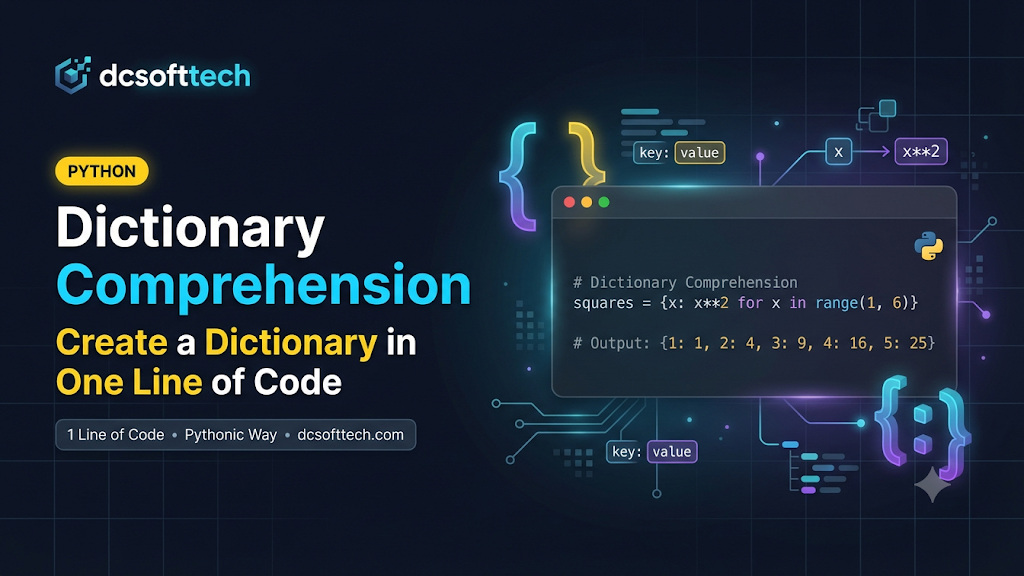
In Python, Dictionary Comprehension is a concise, expressive, and distinctly “Pythonic” syntax that lets you build a new dictionary from any iterable (such as a list, tuple, range, or an existing dictionary) in a single line of code.
If you are already comfortable with list comprehensions, you will pick up dictionary comprehensions in just a few minutes.
The standard syntax for a dictionary comprehension looks like this:
new_dict = {key_expr: value_expr for item in iterable}
key_expr: An expression that produces the key for each item.
value_expr: An expression that produces the value corresponding to that key.
item in iterable: A loop iterating over the source collection.
squares = {x: x**2 for x in range(1, 6)}
print(squares)
# Output: {1: 1, 2: 4, 3: 9, 4: 16, 5: 25}
Compared to the traditional for loop approach:
squares = {}
for x in range(1, 6):
    squares[x] = x**2
Dictionary comprehension keeps your code more compact, reduces temporary variables, and reads cleanly once you get used to the pattern.
if)You can append an if clause at the end to include only items that satisfy a condition:
new_dict = {key_expr: value_expr for item in iterable if condition}
even_cubes = {x: x**3 for x in range(1, 11) if x % 2 == 0}
print(even_cubes)
# Output: {2: 8, 4: 64, 6: 216, 8: 512, 10: 1000}
if - else) in the Value ExpressionUnlike a filter at the end, if you want to transform values conditionally (if ... else ...), place the conditional expression before the for keyword:
scores = {"Alice": 85, "Bob": 42, "Charlie": 90, "David": 50}
status = {name: ("Pass" if score >= 50 else "Fail") for name, score in scores.items()}
print(status)
# Output: {'Alice': 'Pass', 'Bob': 'Fail', 'Charlie': 'Pass', 'David': 'Pass'}
zip()keys = ["name", "role", "stack"]
values = ["Minh", "Backend Dev", "Python"]
profile = {k: v for k, v in zip(keys, values)}
print(profile)
# Output: {'name': 'Minh', 'role': 'Backend Dev', 'stack': 'Python'}
(Tip: If you don’t need to transform k or v, you can call dict(zip(keys, values)) directly.)
http_codes = {"OK": 200, "Not Found": 404, "Server Error": 500}
code_to_msg = {v: k for k, v in http_codes.items()}
print(code_to_msg)
# Output: {200: 'OK', 404: 'Not Found', 500: 'Server Error'}
raw_prices = {" Apple ": 2.5, "BANANA": 1.5, " Orange": 3.0}
clean_prices = {fruit.strip().lower(): price for fruit, price in raw_prices.items()}
print(clean_prices)
# Output: {'apple': 2.5, 'banana': 1.5, 'orange': 3.0}
inventory = {"keyboard": 12, "mouse": 0, "monitor": 5, "cable": 0}
in_stock = {item: qty for item, qty in inventory.items() if qty > 0}
print(in_stock)
# Output: {'keyboard': 12, 'monitor': 5}
Duplicate keys overwrite earlier values: If your key expression produces the same key more than once, later entries overwrite earlier ones.
Don’t overcomplicate a single line: Concise code is only good when it remains readable. If you need nested loops or complex conditions that make the line hard to follow, use a standard for loop or a helper function instead.
Keys must be hashable: Dictionary keys must be immutable and hashable types such as int, str, or tuple (containing hashable elements). Using a list or dict as a key raises a TypeError: unhashable type.
Dictionary comprehension is a handy tool for transforming, filtering, and mapping key-value data cleanly in Python. Use it whenever it makes your intent clearer, and reach for explicit loops when logic grows complex.