


Python Performance Tuning: Measure Code Efficiency with timeit and cProfile
- Home
- Python Performance Tuning: Measure Code Efficiency with timeit and cProfile




When developing software in Python, writing code that functions correctly is only the first step. As your system scales or handles larger volumes of data, performance becomes a decisive factor.
However, never guess your program’s bottlenecks! Precise measurement using dedicated tools like timeit and cProfile is the only way to know exactly which piece of code is slowing down your system so you can optimize the right spots.
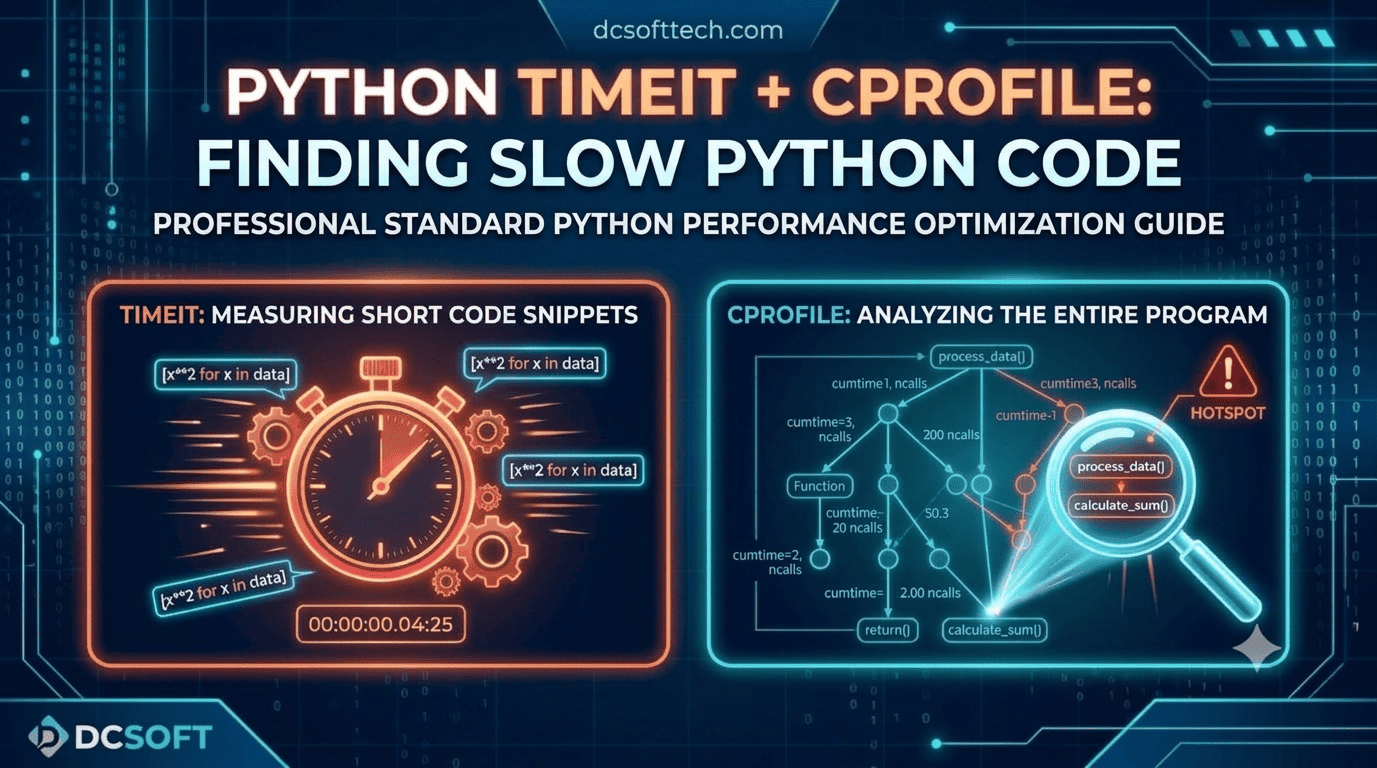
timeit ModuleThe timeit module is built directly into Python’s standard library. It is specifically designed to measure the execution time of small code snippets or single functions by running them repeatedly to avoid noise from the operating system.
timeit?To compare the execution speed between two or more ways of writing the same logic (e.g., a for loop versus a list comprehension).
To check the performance of a small algorithm or function.
timeit in a Python ScriptPython
import timeit

# Example code 1: Using a for loop
code_for = """
result = []
for i in range(1000):
    result.append(i * 2)
"""

# Example code 2: Using a List Comprehension
code_comprehension = """
result = [i * 2 for i in range(1000)]
"""

# Run each code snippet 10,000 times
time_for = timeit.timeit(stmt=code_for, number=10000)
time_comp = timeit.timeit(stmt=code_comprehension, number=10000)

print(f"For loop: {time_for:.4f} seconds")
print(f"List Comprehension: {time_comp:.4f} seconds")
timeit via the Command Line (CLI)You can quickly measure a statement right from your terminal without creating a .py file:
Bash
python -m timeit "[i * 2 for i in range(1000)]"
cProfile ModuleWhen working on a large project or a script with multiple interacting functions, timeit is no longer suitable. In this case, you need cProfile, a built-in C-extension profiling tool in Python.
cProfile tracks the entire execution flow, counting how many times each function is called and the total time spent in each function.
cProfile?To find which functions or modules are consuming the most time across the entire application.
To analyze an overall complex processing pipeline.
cProfile from the Command LineThe simplest way is to run your script through cProfile:
Bash
python -m cProfile -s cumtime main.py
The -s cumtime parameter sorts the results by cumulative time from highest to lowest.
When the results are displayed, you will see the following key columns:
| Column | Description |
| ncalls | Number of times the function was called. |
| tottime | Total time spent inside the specific function (excluding time spent in sub-functions called by it). |
| percall | tottime divided by ncalls. |
| cumtime | Cumulative time spent executing the function (including time spent running sub-functions). |
| filename:lineno(function) | Corresponding file location, line number, and function name. |
cProfile Directly into Python CodeIf you only want to profile a specific function within your application:
Python
import cProfile
import pstats

def process_data():
    # Simulate data processing logic
    data = [x**2 for x in range(1000000)]
    return sum(data)

# Initialize the Profiler
profiler = cProfile.Profile()
profiler.enable()

# Call the function to analyze
process_data()

profiler.disable()

# Print results sorted by cumulative time
stats = pstats.Stats(profiler).sort_stats('cumtime')
stats.print_stats(10)  # Print top 10 most time-consuming functions
To optimize your applications efficiently without wasting time, follow this workflow:
Profile with cProfile: Pinpoint the exact “hotspots”—the functions consuming the most resources.
Experiment with solutions using timeit: Write different optimization alternatives for that function and use timeit to choose the fastest one.
Refactor & Re-verify: Replace the old code with the new implementation, then re-run cProfile across the entire system to confirm that performance has improved.