


Understanding the JavaScript Nullish Coalescing Operator (??): Real-World Use Cases
- Home
- Understanding the JavaScript Nullish Coalescing Operator (??): Real-World Use Cases




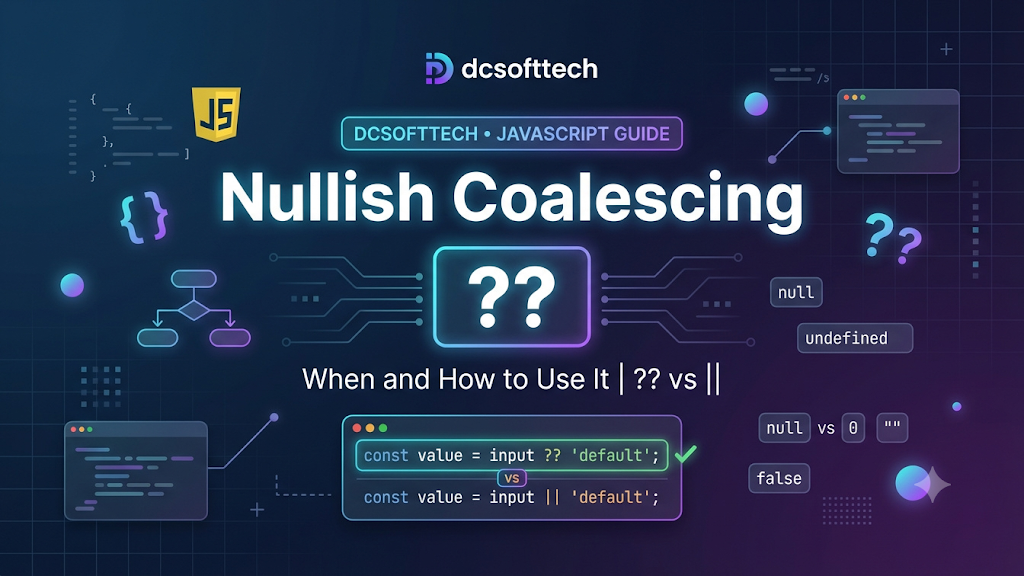
??) and When to Use ItAssigning default values when a variable or property is missing is an everyday task in JavaScript. Historically, developers relied on the logical OR operator (||), which often introduced subtle bugs when 0, "", or false were legitimate values. The nullish coalescing operator (??) solves this cleanly by focusing strictly on null and undefined.
??)?The nullish coalescing operator (??) returns its right-hand side operand when its left-hand side operand is null or undefined. Otherwise, it returns the left-hand side operand—even if that value is 0, "", false, or NaN.
const username = null ?? "Guest";
console.log(username); // "Guest"

const itemCount = 0 ?? 10;
console.log(itemCount); // 0

const label = "" ?? "Default Label";
console.log(label); // ""

const isEnabled = false ?? true;
console.log(isEnabled); // false
?? and ||The logical OR operator (||) checks for falsy values—which include false, 0, -0, 0n, "", null, undefined, and NaN. Any of these causes || to fall back to the right-hand side.
| Left-Hand Value | Result with ?? | Result with || | Notes |
| :— | :— | :— | :— |
| null | Right-hand value | Right-hand value | Both treat null as missing |
| undefined | Right-hand value | Right-hand value | Both treat undefined as missing |
| 0 | 0 | Right-hand value | ?? preserves 0; || overrides it |
| "" (empty string) | "" | Right-hand value | ?? preserves empty strings |
| false | false | Right-hand value | ?? preserves boolean false |
| NaN | NaN | Right-hand value | ?? does not treat NaN as nullish |
???0, false, or "" Are Valid ValuesThis is the most common use case—such as pagination offsets, quantities, or boolean feature flags where false is an intentional setting:
function getPagination(pageSize, pageIndex) {
  const limit = pageSize ?? 25;
  const offset = pageIndex ?? 0; // First page index 0 stays 0
  return { limit, offset };
}

console.log(getPagination(0, 0)); // { limit: 0, offset: 0 }
?.) for Safe Nested AccessWhen reading deeply nested API responses, optional chaining (?.) prevents TypeError exceptions on missing intermediate objects, while ?? supplies a clean fallback:
const apiResponse = {
  data: {
    user: {
      preferences: {
        theme: null
      }
    }
  }
};

const theme = apiResponse.data?.user?.preferences?.theme ?? "system";
console.log(theme); // "system"
When initializing a module or component from a partial options object, ?? ensures you only replace keys that were omitted or explicitly set to null:
function createEditorConfig(options = {}) {
  return {
    tabSize: options.tabSize ?? 2,
    autoSave: options.autoSave ?? true,
    lineNumbers: options.lineNumbers ?? true
  };
}

console.log(createEditorConfig({ autoSave: false, tabSize: 4 }));
// { tabSize: 4, autoSave: false, lineNumbers: true }
??When empty strings should count as blank: If a user submits an empty name input ("") and you want to show "Anonymous", ?? will keep "". In that case, an explicit check like name?.trim() || "Anonymous" fits better.
Chaining directly with && or || without parentheses: JavaScript requires parentheses when combining ?? directly with && or || to avoid precedence ambiguity:
// SyntaxError:
// const value = a ?? b || c;

// Valid:
const value = (a ?? b) || c;
Treating it as a drop-in replacement for || everywhere: ?? is designed for fallback values on null or undefined, not general truthiness/falsiness checks in conditional logic.
Use ?? when 0, false, or "" can be valid data and you only want a fallback for null or undefined. Use || when any falsy value should trigger the fallback.